Controls
Confirmed
The default GTA 6 layout on PS5 and Xbox: run sits on the left stick click, Focus on both sticks, the phone on D-pad Up and the radio on D-pad Left. Classic and Left-Handed schemes are in Settings.
Sources (4)
- www.gtabase.com · 2026-11-20
- www.shacknews.com · 2026-11-18
- www.redbull.com · 2026-11-19
- www.powerpyx.com · 2026-11-18
Pick a control scheme
Confirmed
The default layout moves running from the face button to a stick click. Settings has a Control Scheme option with three presets and a preview of each. Classic swaps Run and Crouch for a feel closer to older games, and Left-Handed is the third choice.
Sources (2)
- www.gtabase.com · 2026-11-20
- www.shacknews.com · 2026-11-18
On foot
Confirmed
Default scheme, PS5 first and Xbox second.
- Move: left stick; look: right stick
- Run: L3 / left stick click
- Jump or climb: Cross / A
- Crouch: Circle / B
- Take or leave cover: R1 / RB
- Interact: Triangle / Y
- Look behind: hold R3 / hold right stick
- Focus: L3 + R3 / both sticks
- Phone: D-pad Up; hold for WAINK
- Radio menu: hold D-pad Left
Sources (3)
- www.gtabase.com · 2026-11-20
- www.shacknews.com · 2026-11-18
- www.redbull.com · 2026-11-19
Aiming and fighting
Confirmed
Holster and loadout share one button: tap to put the gun away, hold to open the wheel. Neither of the two full layouts we checked lists a reload input, so look under Settings if you need it.
- Aim: hold L2 / LT; shoot: R2 / RT
- Holster: L1 / LB; loadout wheel: hold L1 / LB
- Quick weapon swap: Triangle / Y
- Switch shoulder: D-pad Left; scope zoom: D-pad Up and Down (Shacknews lists all three as holds while aiming)
- Melee: Square / X; block or dodge: Cross / A
- Grapple: R2 / RT while in melee; lock on: hold L2 / LT
- Quick throw: hold R1 / RB; detonate: D-pad Right
- Per PowerPyx, Zombix heal: L1 + Square / LB + X; Adrenaline: L1 + Triangle / LB + Y
Sources (3)
- www.gtabase.com · 2026-11-20
- www.shacknews.com · 2026-11-18
- www.powerpyx.com · 2026-11-18
Driving
Confirmed
Radio, headlights and windows sit in the vehicle menu on a held D-pad Left. Shacknews also lists a direct headlights button, Circle, but only covers PS5, so the Xbox equivalent is unconfirmed.
- Accelerate: R2 / RT; brake or reverse: L2 / LT
- Handbrake: Cross / A
- Horn or nitrous: L3 / left stick click
- Headlights: Circle on PS5 per Shacknews, or the vehicle menu
- Duck behind the wheel: hold Circle / B
- Vehicle menu with radio: hold D-pad Left
- Turn signals: D-pad Left and Right
- Hit someone with the door: Square / X
- Get out: Triangle / Y
Sources (3)
- www.gtabase.com · 2026-11-20
- www.shacknews.com · 2026-11-18
- www.powerpyx.com · 2026-11-18
Questions and answers
How to run in GTA 6?
Click the left stick (L3 on PS5). If you want sprint back on the face button, switch to the Classic scheme in Settings.
Sources (2)
- www.gtabase.com · 2026-11-20
- www.shacknews.com · 2026-11-18
How do you turn on headlights in GTA 6?
While driving, hold D-pad Left to open the vehicle menu, where headlights, radio and windows live. Shacknews lists Circle as a direct headlights button on PS5.
Sources (2)
- www.gtabase.com · 2026-11-20
- www.shacknews.com · 2026-11-18
How do you use Focus in GTA 6?
Click both sticks at once: L3 and R3 on PS5, both thumbsticks on Xbox.
Sources (2)
- www.gtabase.com · 2026-11-20
- www.redbull.com · 2026-11-19
How do you holster your weapon in GTA 6?
Tap L1 on PS5 or LB on Xbox. Holding the same button opens the loadout wheel instead.
Sources (2)
- www.gtabase.com · 2026-11-20
- www.shacknews.com · 2026-11-18
Related entries
Focus mode
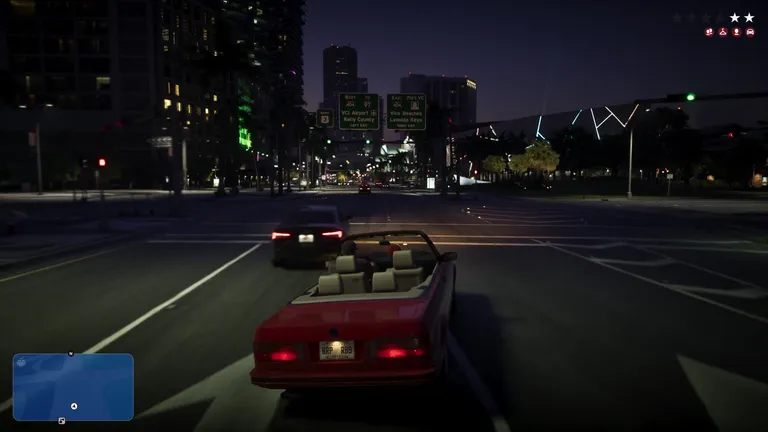
Focus replaces the police blips the minimap used to carry. Clicking both sticks reveals nearby officers, enemies and valuables, and in a…
Combat
Gunfights in GTA 6 are built around Combat Focus, which slows time and marks lethal and non-lethal zones, and around how you fight: limb…
The phone and its apps
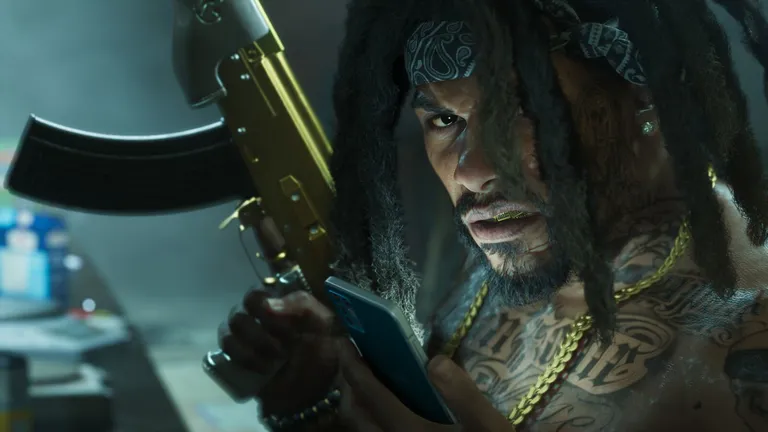
The phone runs much of your day in Leonida: WAINK scans vehicles, BuckMe holds your bank balance, RydeMe gets you across the map, Scooter…
Carrying a long gun
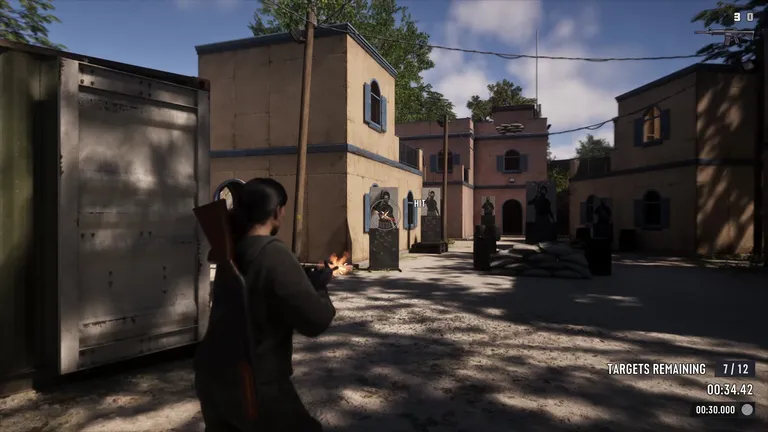
A rifle no longer lives in your pocket. You take it out of a locker at Ammu-Nation or out of your own car, and once it is in your hands…
Updated: 2026-11-20