How to save your game
Confirmed
GTA 6 has 15 manual save slots and a single autosave. Manual saving opens after the Prologue, from the pause menu under Game, and it is your only fallback because finished missions cannot be replayed.
Sources (3)
- www.gtabase.com · 2026-11-19
- www.powerpyx.com · 2026-11-18
- www.gtabase.com · 2026-11-19
Make a manual save
Confirmed
Saving is done from the pause menu in free roam. It stays locked until the Prologue is over, so the first chance comes once Jason's part of the story opens up.
- Finish any mission you are in and lose any wanted level
- Press Options on PS5 or Menu on Xbox to pause
- Open the Game tab and choose Save Game
- Pick one of the 15 slots and confirm
- To go back, use Load Game in the same tab; the autosave is listed there too
Sources (2)
- www.gtabase.com · 2026-11-19
- www.powerpyx.com · 2026-11-18
When Save Game is grayed out
Confirmed
Both guides agree that you cannot save in the middle of a mission. GTABase adds two more blockers: an active wanted level and an ongoing fight. Drive somewhere quiet, let the police search end, and the option comes back.
- In a story or side mission
- With stars on the wanted meter
- During a combat sequence
Sources (2)
- www.gtabase.com · 2026-11-19
- www.powerpyx.com · 2026-11-18
Why autosave is not enough
Confirmed
There is only one autosave slot, and it is overwritten constantly. GTABase calls it inconsistent and cites players who lost hours of progress by leaning on it. PowerPyx notes that loading an older manual save also replaces the autosave. Since there is no mission replay, a choice made in a mission is locked in the moment the autosave fires, and only a manual save made beforehand lets you try it again.
Sources (3)
- www.gtabase.com · 2026-11-19
- www.powerpyx.com · 2026-11-18
- www.gtabase.com · 2026-11-19
A slot plan for the whole story
Confirmed
Fifteen slots go further than they seem if you give them jobs. PowerPyx suggests one save at the start and one at the end of each of the five chapters, which uses ten slots and lets you jump back to any chapter later. The other five rotate after each mission, so the newest save never overwrites the only good one.
- Slots 1 to 10: start and end of Chapters 1 to 5
- Slots 11 to 15: rotate after every mission, oldest first
- Always save before Tourist Trap, the point of no return at the end of Chapter 1
Sources (2)
- www.powerpyx.com · 2026-11-18
- www.gtabase.com · 2026-11-19
Questions and answers
How to save in GTA 6?
Pause with Options on PS5 or Menu on Xbox, open the Game tab, pick Save Game and choose a slot. It only works in free roam after the Prologue, never during a mission.
Sources (2)
- www.gtabase.com · 2026-11-19
- www.powerpyx.com · 2026-11-18
How many save slots does GTA 6 have?
Fifteen manual slots plus one autosave slot that the game manages itself.
Sources (2)
- www.gtabase.com · 2026-11-19
- www.powerpyx.com · 2026-11-18
Does GTA 6 autosave?
Yes, after story missions and some side content, but into a single slot that is easy to overwrite. Make manual saves before big missions, because missions cannot be replayed.
Sources (2)
- www.gtabase.com · 2026-11-19
- www.powerpyx.com · 2026-11-18
Why can't I save in GTA 6?
Saving is disabled during missions, while you have a wanted level and in combat, and it does not open until the Prologue ends. Clear whichever applies and try again.
Sources (2)
- www.gtabase.com · 2026-11-19
- www.powerpyx.com · 2026-11-18
Related entries
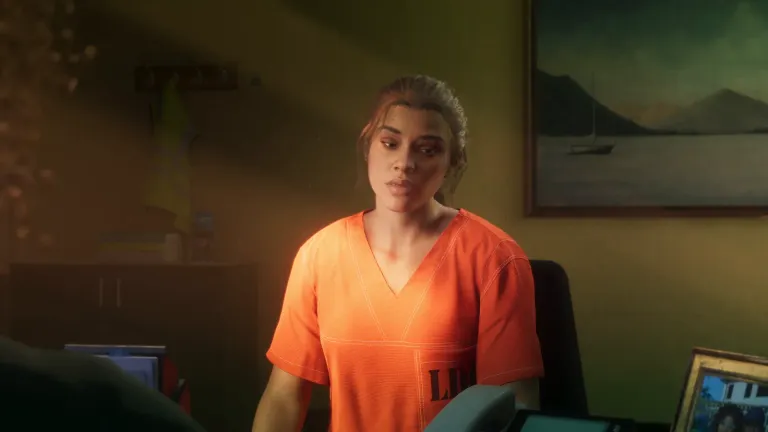
Prologue
How to beat the Prologue, the first mission in GTA 6: Lucia in prison, the payday loan robbery flashback and the police chase, step by step.
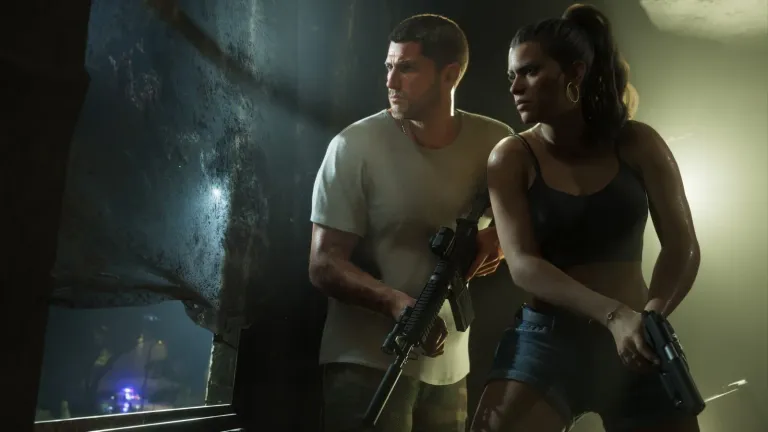
Tourist Trap
GTA 6 Tourist Trap walkthrough: Jason and Lucia take Mattia's job and pick up a bag from a Visitor Center locker.
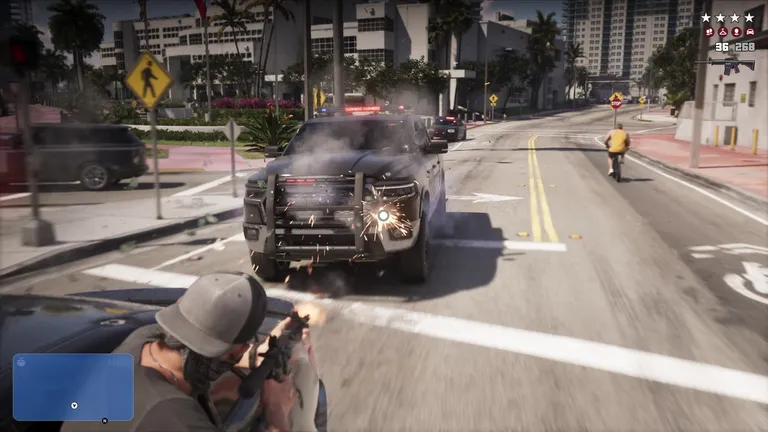
The wanted system
A six-star meter with red icons underneath that list what the police can identify you by.

The pause map
Spotted in trailerAt 19:00 of the Extended Look the pause map opened on Leonida drawn as photographic imagery seen from above, with roads laid over it.
Updated: 2026-11-20