Deposit Cash Into BuckMe
Confirmed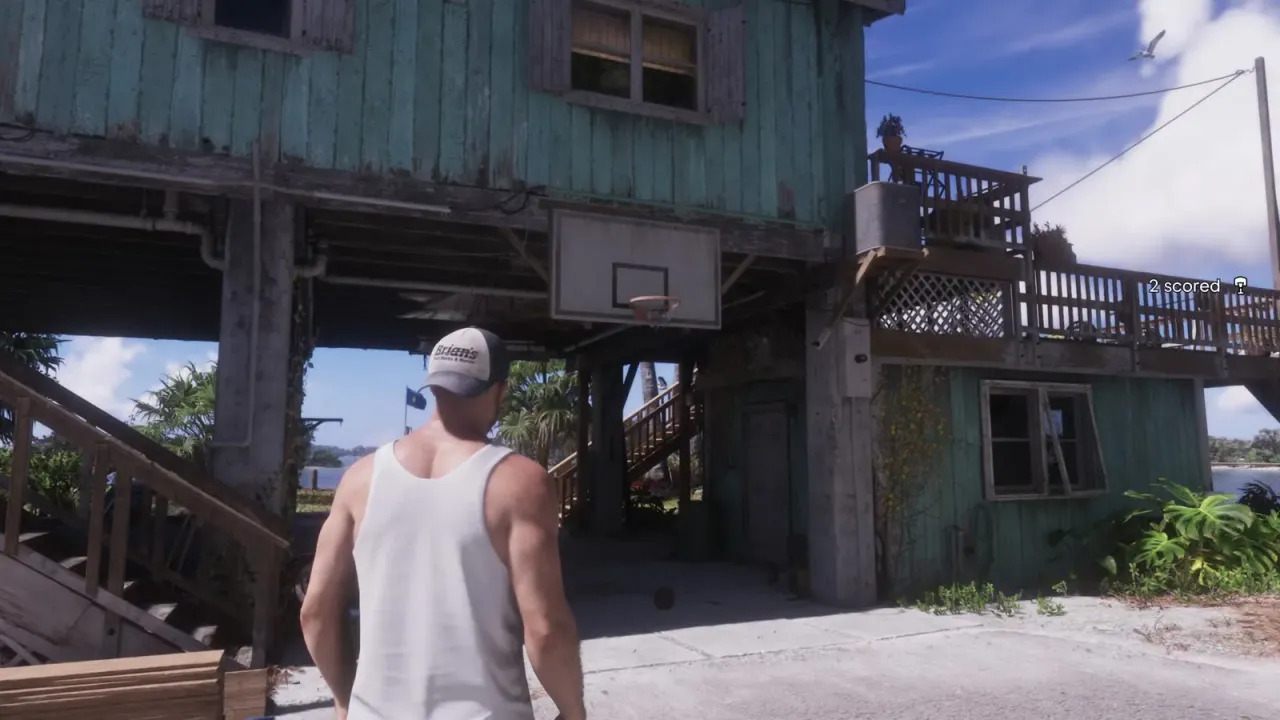
GTA 6 Deposit Cash Into BuckMe walkthrough: as Jason, find an ATM with the BuckMe app and pay in some pocket cash. The 15th story mission.
Sources (2)
- www.powerpyx.com · 2026-11-18
- www.gtabase.com · 2026-11-18
Objectives
Your ticks are saved in this browser
Walkthrough
How to find an ATM
Open BuckMe on the phone (d-pad up) and choose ATM Finder - Set Destination to mark the nearest ATM. There is one next to Jason's house. The task has no map marker, so to track it open the map, go to the storybook icon, press d-pad right and scroll to it.
Deposit the cash
Use the ATM and pay in some of your pocket cash. That completes the task, and Save for the Future follows. ATMs also let you withdraw from checking later.
Questions and answers
Where is the ATM for Deposit Cash Into BuckMe in GTA 6?
Any ATM works. Use ATM Finder - Set Destination in the BuckMe app to mark the nearest one. There is one next to Jason's house.
Sources (2)
- www.powerpyx.com · 2026-11-18
- www.gtabase.com · 2026-11-18
How do you start Deposit Cash Into BuckMe in GTA 6 if there is no marker?
You do not need to start it, just deposit cash at any ATM. To track it, open the map, go to the storybook icon, press d-pad right and scroll to the task. It completes as soon as you deposit cash at an ATM.
Sources (2)
- www.powerpyx.com · 2026-11-18
- www.gtabase.com · 2026-11-18
Do you lose money when you die in GTA 6?
You lose your pocket cash and a smaller part of your checking balance, so depositing cash keeps it safer.
Sources (1)
- www.powerpyx.com · 2026-11-18
Where it appears
Missions
Related entries
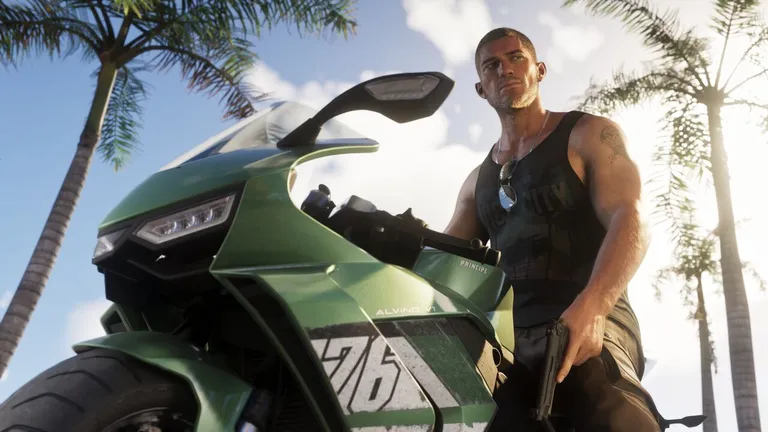
Jason Duval
One of the two playable protagonists. Jason grew up around grifters and crooks, and after a stint in the Army ended up working for drug…

The Leonida Keys stilt house
Spotted in trailerThe house on stilts over the water where Jason lives rent free on Brian Heder's land.
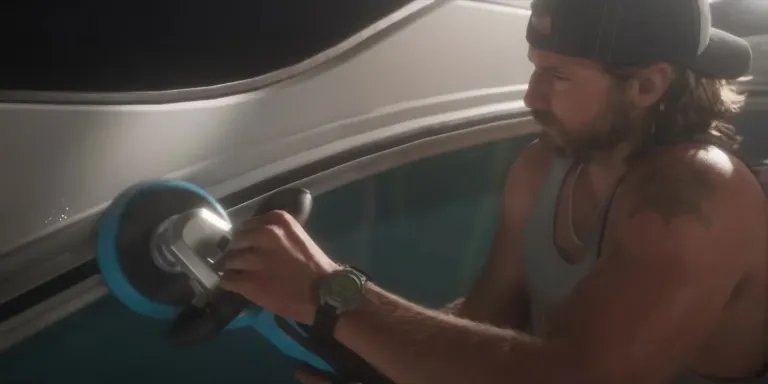
Down to Earth
GTA 6 Down to Earth walkthrough: as Jason, wash a boat for Brian, fly the seaplane with Lucia to pick up and drop packages.
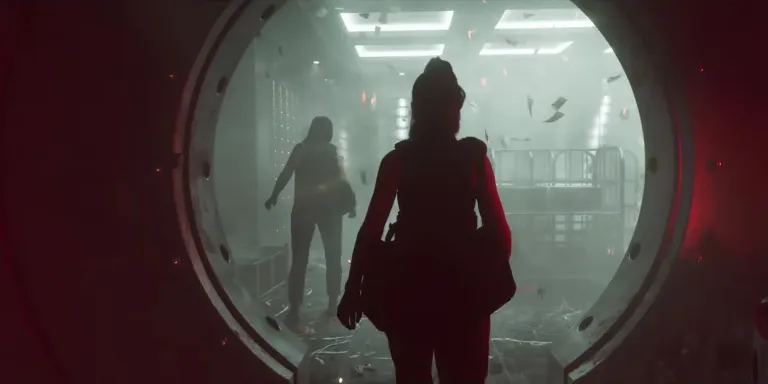
Save for the Future
GTA 6 Save for the Future walkthrough: move money into BuckMe Family Savings to hit each goal, with every perk and limit.
Updated: 2026-11-18